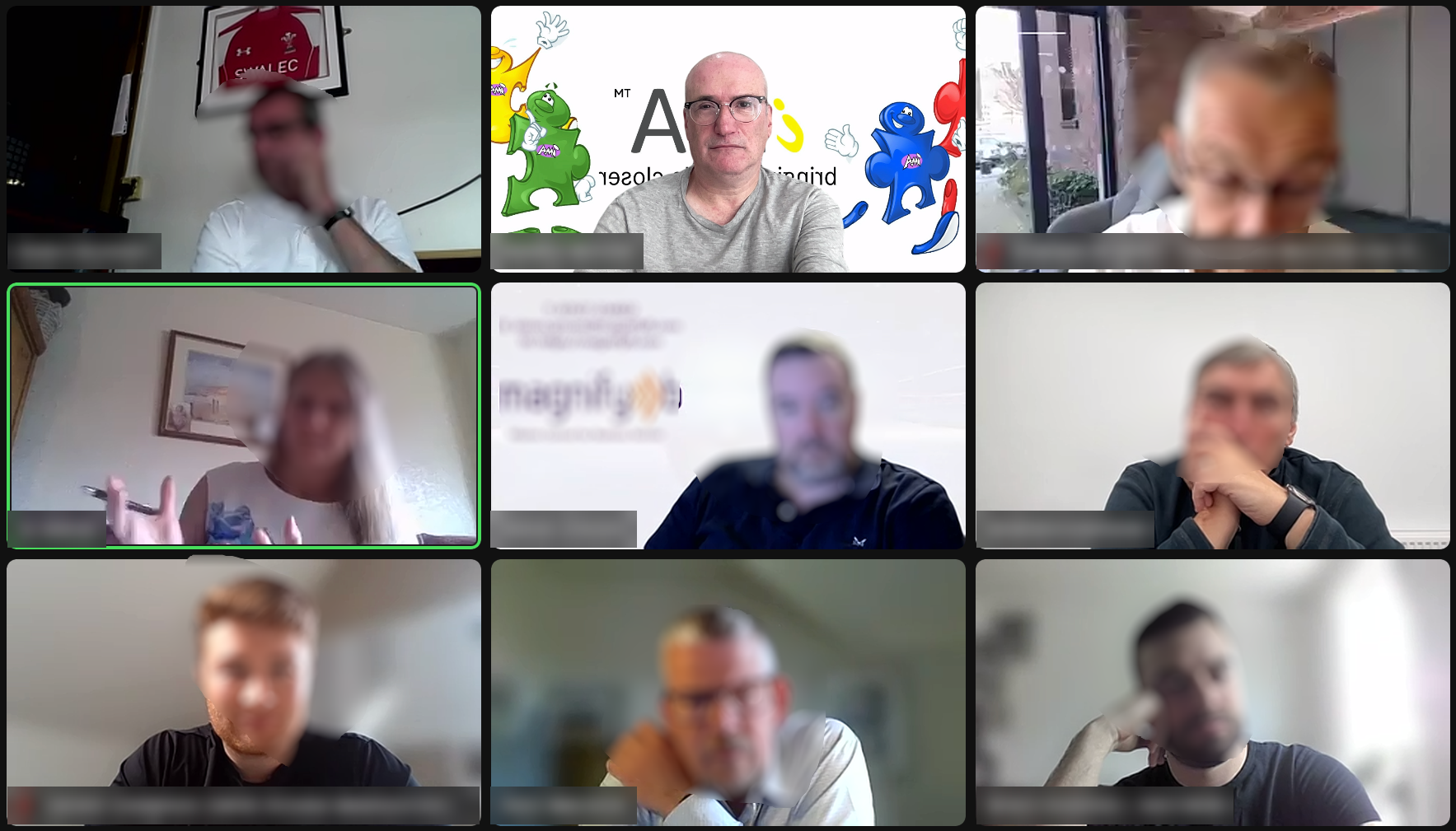
Presenting on video is a different skill from presenting in a room, and most people never adapt. They carry their face-to-face habits onto a screen and wonder why the energy falls flat.
Master a handful of simple adjustments and you will stand out in every virtual meeting.
Why Video Is Not the Same as Face-to-Face
In a room, you have presence. People read your posture, your movement and your energy without you doing a thing.
On a screen, all of that gets squeezed into a small rectangle. Your audience sees your head, your shoulders and not much else. Every glance, frown and pause is magnified.
That’s not a handicap. It’s an opportunity. When you control the few things the camera shows, you control the whole impression.
Put Your Camera at Eye Level
Most people get this wrong straight away. They balance a laptop on a desk and tilt the screen back, and their audience gets a view up their nose.
Raise the camera until it sits at eye level. Stack the laptop on books or buy a cheap stand. It takes two minutes and makes you look more credible instantly.
A low camera makes you look small. A camera at eye level makes you look like you belong in the conversation.
Look at the Camera When It Matters
Here’s the catch: when you look at faces on your screen, it looks to your audience like you’re looking down. You lose eye contact.
The fix is simple. When you’re making an important point, look straight into the camera lens. That’s the moment your audience feels you’re speaking directly to them.
Don’t do it for the whole call. It would feel unnatural. Save it for the lines you want to land, such as your key message, your recommendation or your ask. That’s how you hit home.
Hide Your Self-View
This is the tip that changes everything.
Most people spend a video call watching themselves. They check their hair, their lighting and their expression. Every second spent studying your own face is a second you’re not listening, connecting or thinking.
Think about it this way. You wouldn’t sit through a business lunch staring at yourself in a mirror. You’d look odd, and you’d miss the conversation. So why do it on a video call?
Hide your self-view. In Zoom, Teams and Google Meet, you can hide or minimise your own video tile, and you’ll still be visible to everyone else. Check your framing before the call starts, then switch it off and give your full attention to the people you’re there to talk to.
Use Your Face and Body on Purpose
Because the camera shrinks you, you need to turn things up slightly.
- Smile early. It sets the tone in the first few seconds.
- Nod when others speak. It shows you’re engaged, even when you’re muted.
- Use your hands. Keep gestures inside the frame and let them support what you say.
- Sit tall, slightly forward. Leaning in signals interest. Slouching signals you’d rather be elsewhere.
A flat face on a flat screen reads as bored. Add a little energy and you’ll read as confident.
If you want to improve your confidence and delivery, explore our presentation skills training course.
Camera On or Off?
Keep it on whenever you’re presenting, leading or trying to build trust. It’s the closest thing to being in the room, and people respond to a face.
If you’re in a large meeting and only listening, turning it off is fine, particularly if your connection is weak. Use judgement, but when in doubt, show up on camera. Visibility builds credibility.
Make It Personal
A video presentation shouldn’t feel like a broadcast. Make it feel like a conversation. Imagine that you are only talking to one person, rather than many. Although there are many people watching they are all individuals, so in effect you are only speaking to one person. If everyone thinks that you are addressing them personally, you will achieve better results.
Use people’s names. Ask a direct question and wait for an answer. Reference something from earlier in the call. Tell a short story that’s relevant to the room.
Personal beats polished every time. People forget slides. They remember how you made them feel. Slides also become front and centre of the screen and you are then making everyone to feel small, squashed in and claustrophobic.
Practise Speaking to the Camera
It feels strange to talk to a tiny glass dot. That’s why you need to practise.
Record yourself delivering your opening minute. Watch it back. Where do your eyes drift? Do you sound warm or robotic? Do it three or four times and the awkwardness fades.
Good online presentation skills aren’t a gift. They’re a habit you build.
Find out more about our public speaking courses in London and how they can help you become a more confident speaker.
Know Your Platform
Zoom, Teams and Google Meet all have tools that can sharpen your delivery, but only if you know where they are.
- Test your screen share before the meeting so you’re not hunting for the right window with everyone watching.
- Learn how to hide self-view, mute participants and use the chat.
- Use polls, reactions or breakout rooms where they suit the audience.
- Check your audio. Bad sound hurts you far more than a bad background.
Spend ten minutes exploring the settings before your next call. You’ll look like you’ve done this a thousand times.
Keep Your Audience’s Attention
Attention on video drops fast. People are one click away from their inbox.
Here’s how to hold it:
- Open with your main point. Don’t build up to it
- Change the pace every few minutes. Ask a question, show something new or invite a comment.
- Keep it short. If you can say it in ten minutes, don’t take twenty.
Energy, variety and brevity are your best friends. Click here for more tips on improving your public speaking skills.
The Bottom Line
The best way to present on a video call (Zoom etc.) is raise your camera, look into the lens when it counts, hide your self-view and bring a little extra energy.
Nobody is born knowing how to present confidently on Zoom. The people who look good on video just practised the basics until they stuck.
Relax, Enjoy and Engage